
Internet radio
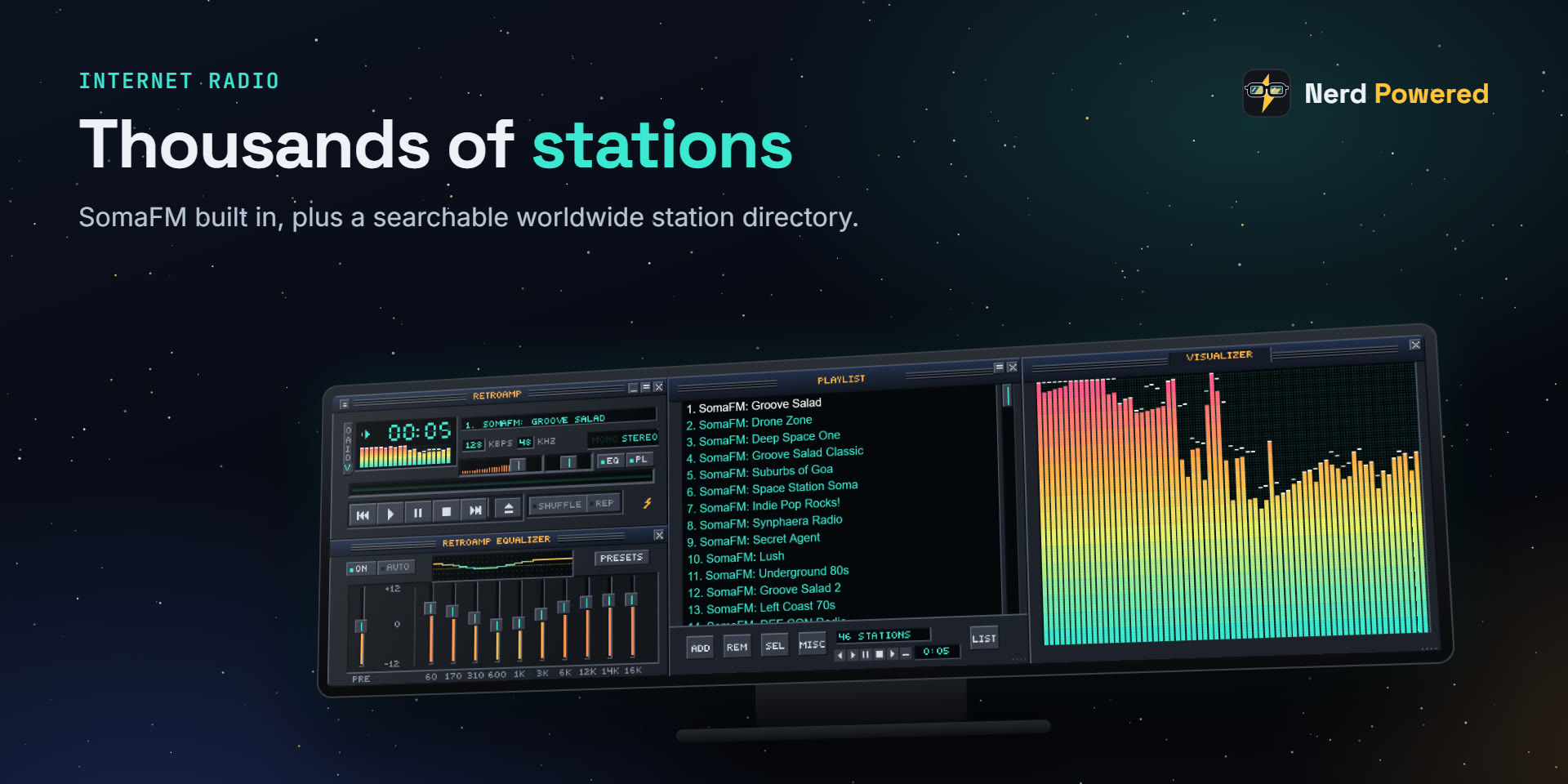
All of SomaFM built in with live now-playing, plus search across thousands of stations worldwide, or paste any stream URL.
iCUE widget · CORSAIR XENEON EDGE
The classic desktop music player, on your XENEON EDGE. Internet radio, your own music, a real 10-band equalizer, a live visualizer and thousands of classic Winamp 2 skins.
Player, Equalizer, Playlist and Visualizer windows, drawn pixel for pixel like the classic and configured from iCUE.
All of SomaFM built in with live now-playing, plus search across thousands of stations worldwide, or paste any stream URL.
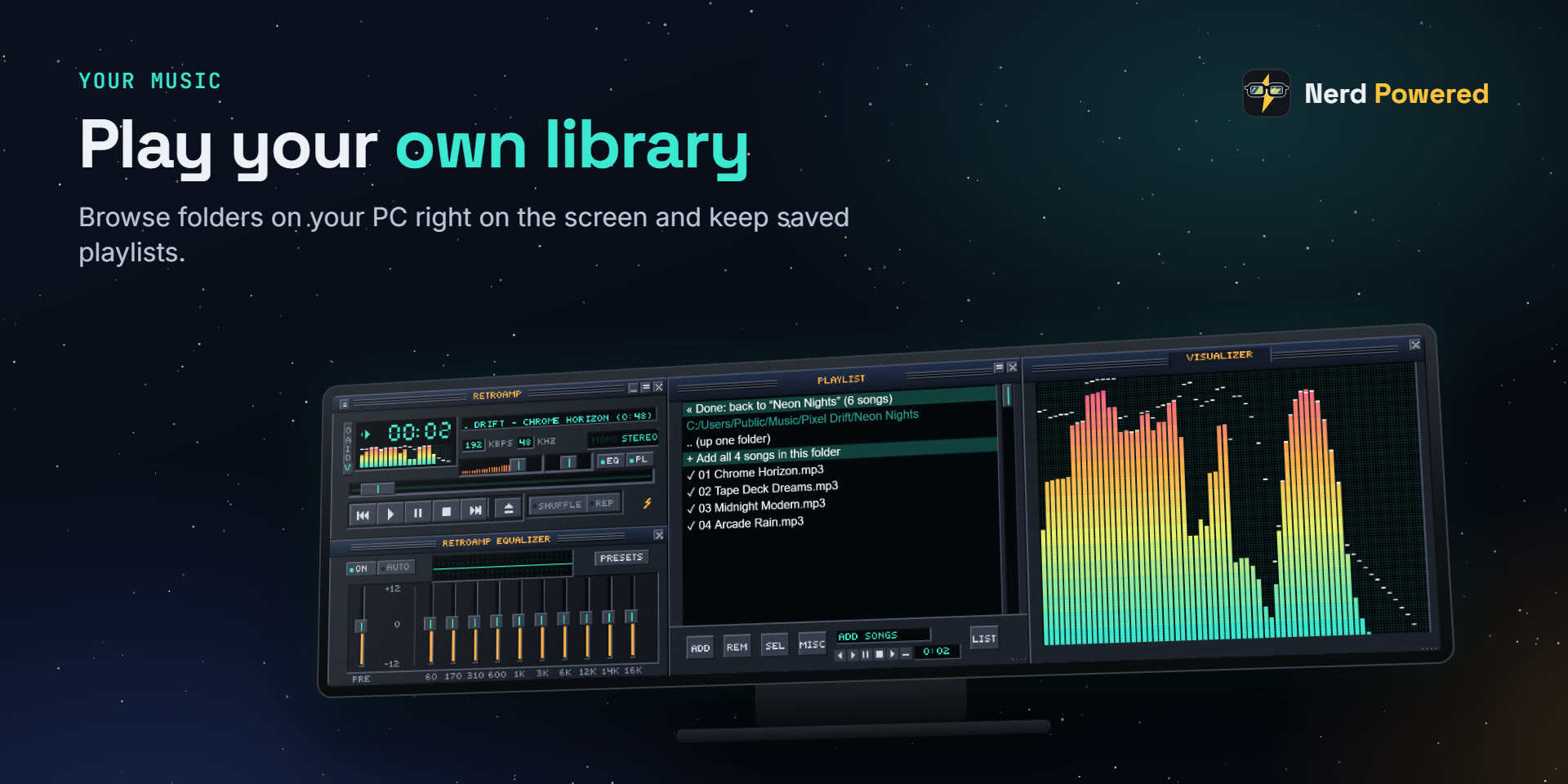
Browse the folders on your PC right on the screen, add songs or whole folders, and keep up to 12 saved playlists.
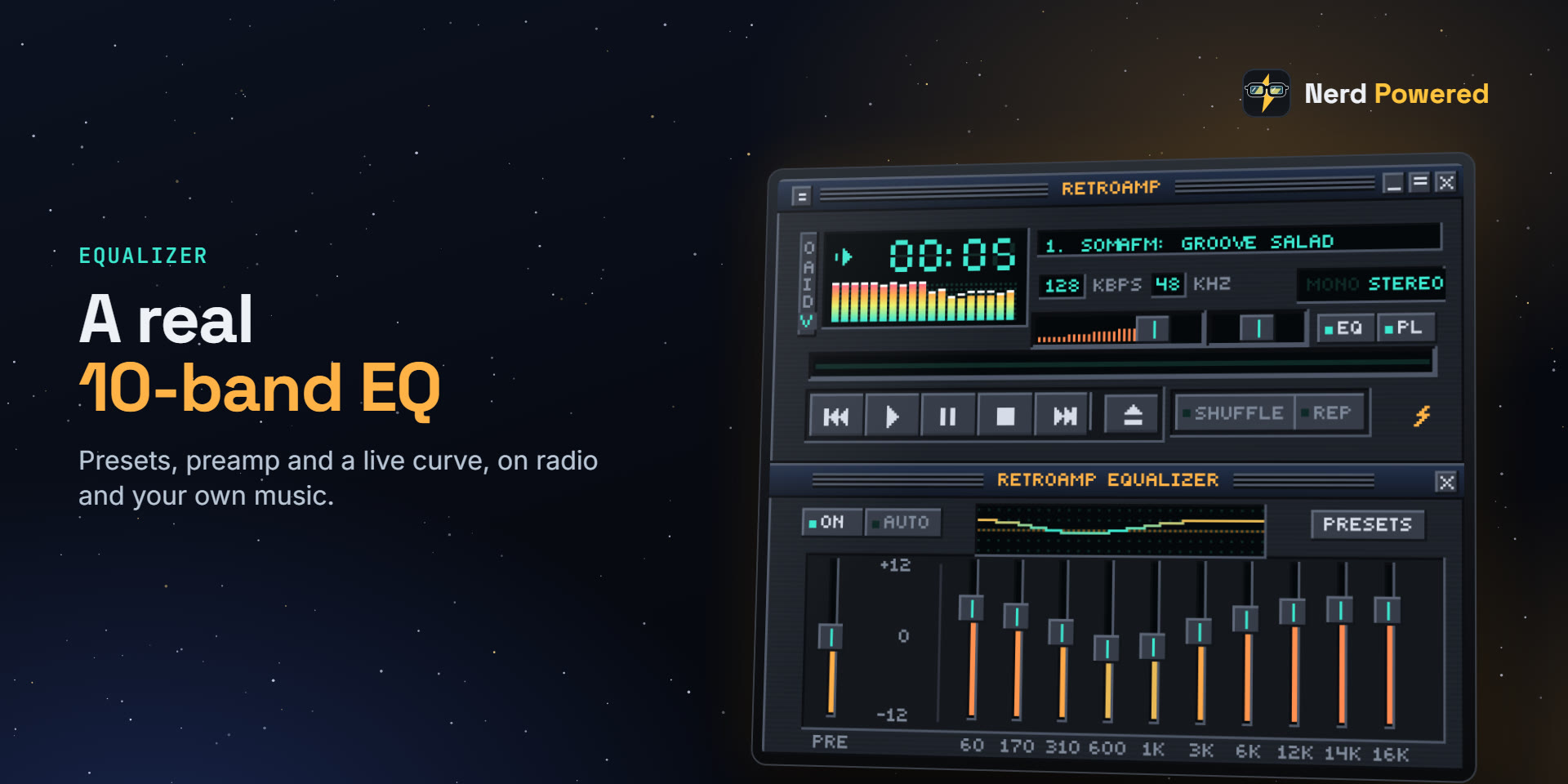
Preamp, ten bands, a live EQ curve and presets, working on radio and your own music.
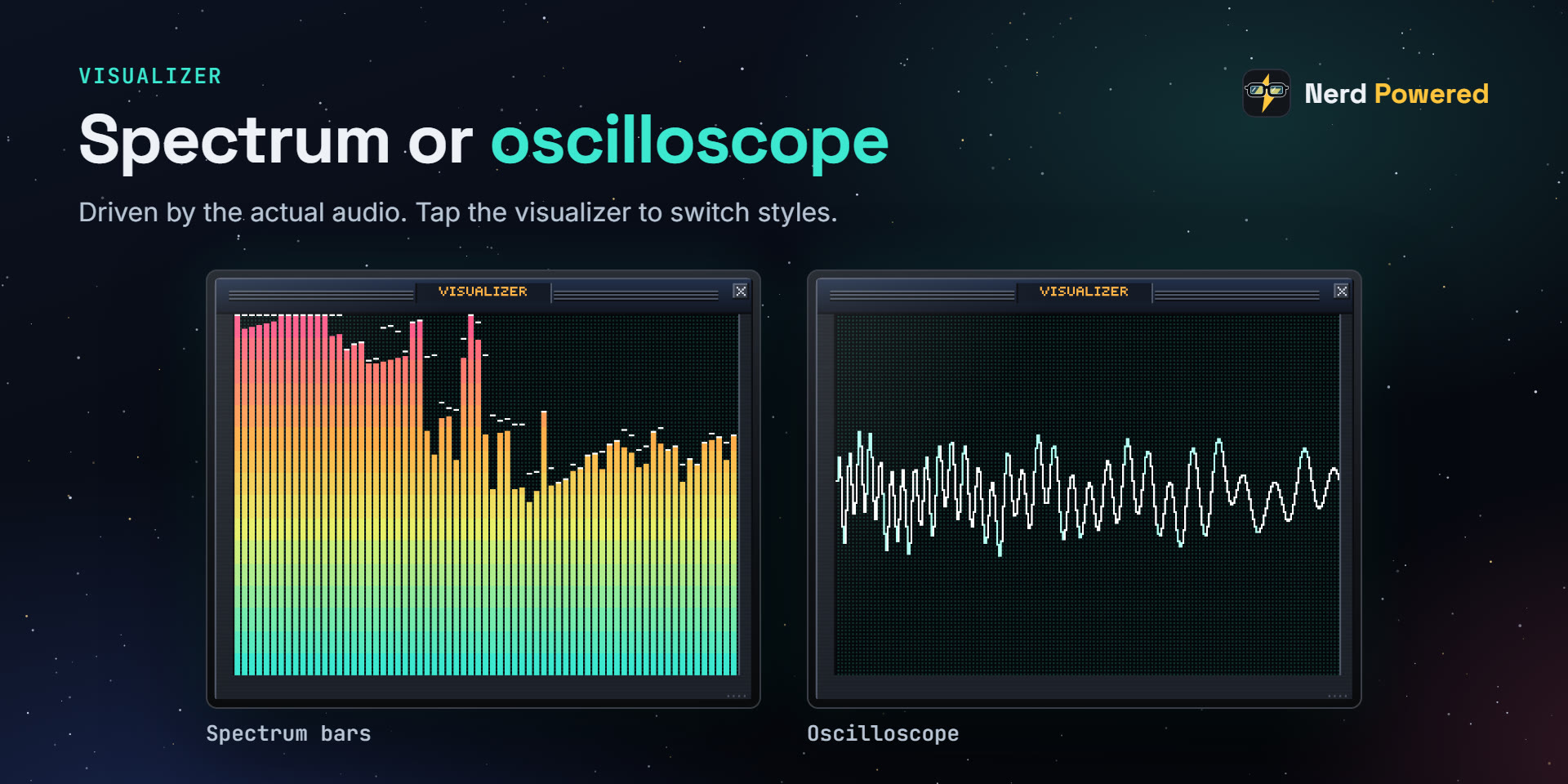
Spectrum bars with falling peaks or an oscilloscope, driven by the actual audio. Tap to switch styles.
An original built-in skin, plus classic Winamp 2 skins from the Winamp Skin Museum: pick, search or paste a link.
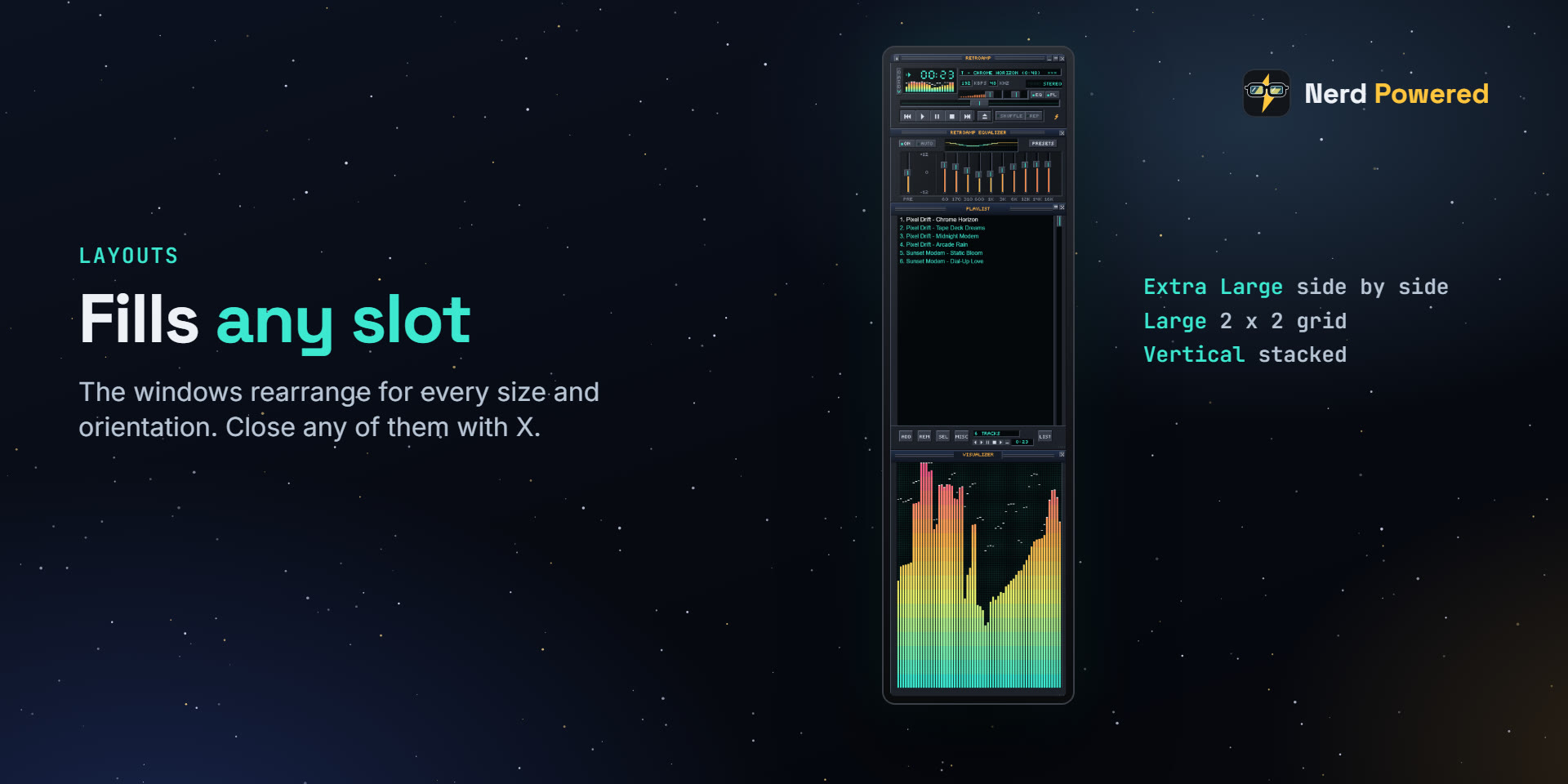
The windows rearrange to fill Extra Large, Large or vertical slots. Close any of them with X, and the rest fill the screen.
RetroAmp stands on the shoulders of the classic-player community.
Elgato Marketplace
RetroAmp is on its way to the Elgato Marketplace, where you'll install it straight into iCUE.
Feedback
Tell us what to add or fix: send a private message, or discuss it publicly on GitHub.
Sign in with GitHub to post. Comments are public.