
Primary Systems
Six sensor slots for CPU and GPU temperatures, loads, fans, pumps and more, each with its own label. Hide a slot and the rest grow to fill the space.
iCUE widget · CORSAIR XENEON EDGE
Turn your XENEON EDGE into a full-screen starship operations console. Watch your hardware, control your music, fire Stream Deck actions and sound Red Alert when things run hot.
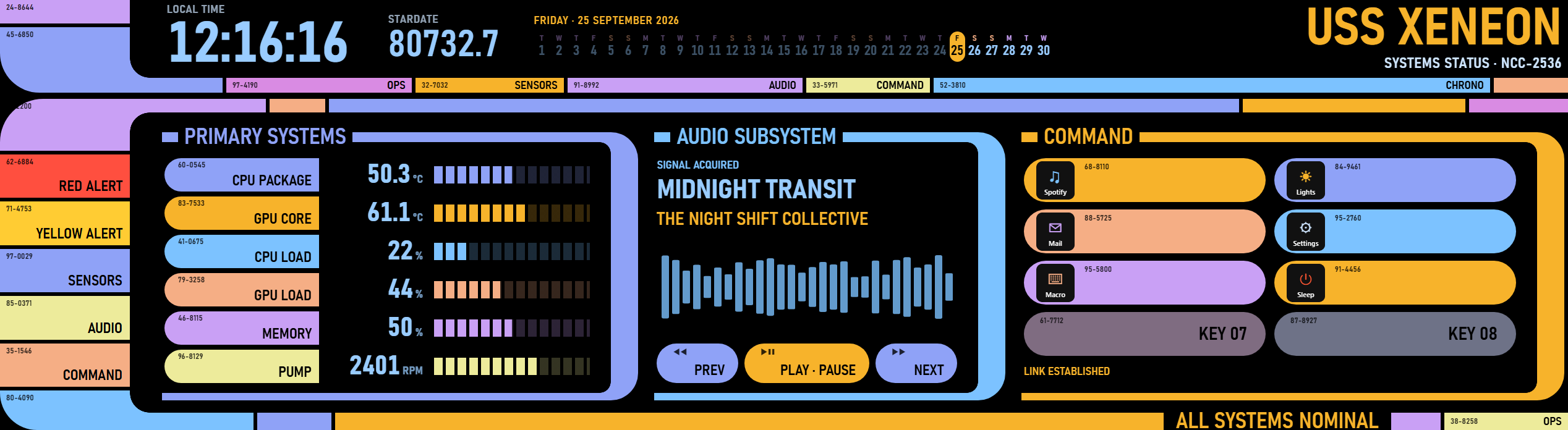
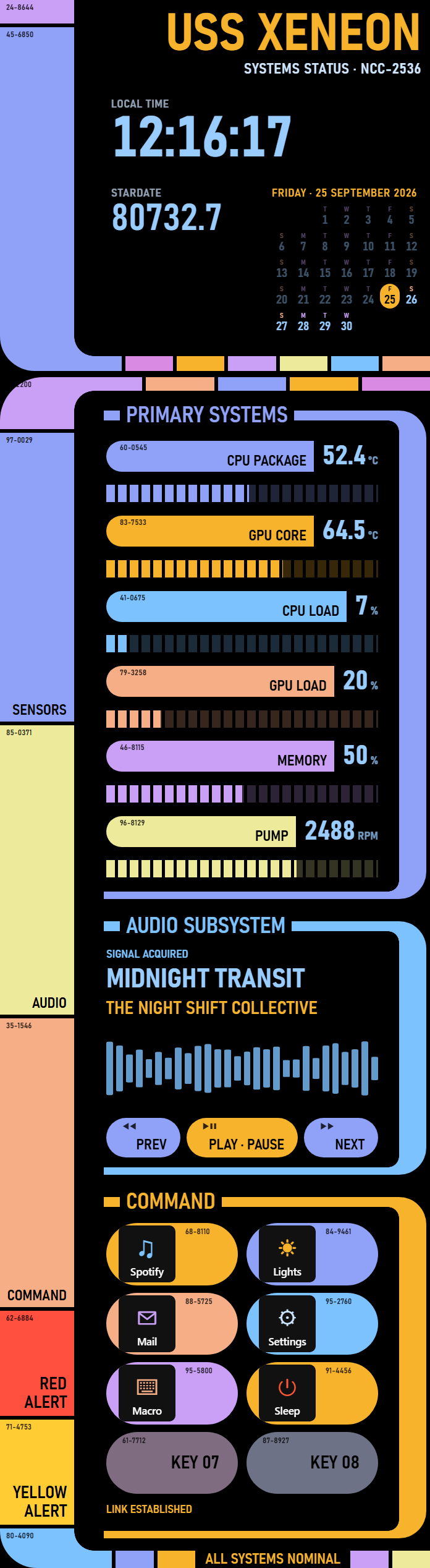
Designed for the Extra Large slot, horizontal or vertical, and configured entirely from iCUE.
Six sensor slots for CPU and GPU temperatures, loads, fans, pumps and more, each with its own label. Hide a slot and the rest grow to fill the space.
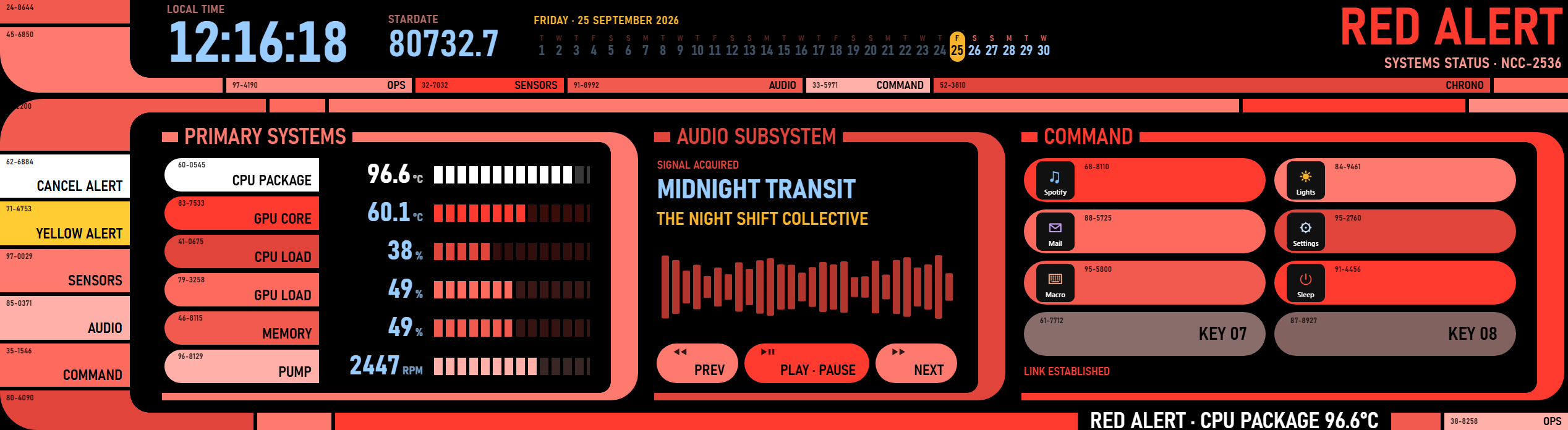
Tap to go to Red or Yellow Alert, or pick a sensor and a threshold and let the console do it for you when things run hot.
Eight touch keys backed by a virtual Stream Deck. Assign any Stream Deck action and its icon and title show on the console. Optional: turn it off if you don't use Stream Deck.
Now playing with previous, play/pause and next controls for apps that report to Windows media controls.
A large local clock, a live stardate and the whole month at a glance, with today highlighted.
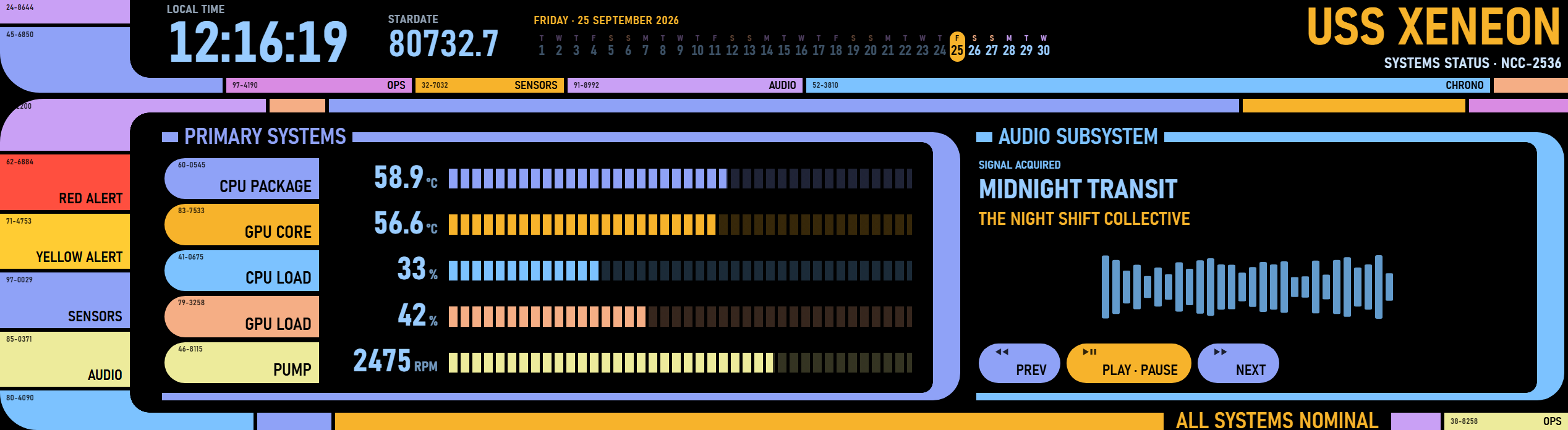
Tap Sensors, Audio or Command on the sidebar to fold a panel away; the others slide over to use the space. Four color palettes: Classic, Blue, Red and Yellow.
Elgato Marketplace
Starship Ops Panel is on its way to the Elgato Marketplace. Check back here for the link.